A QR tag, a note, a reply.
No app for the finder, no phone numbers swapped. Here are both sides of it.
 1
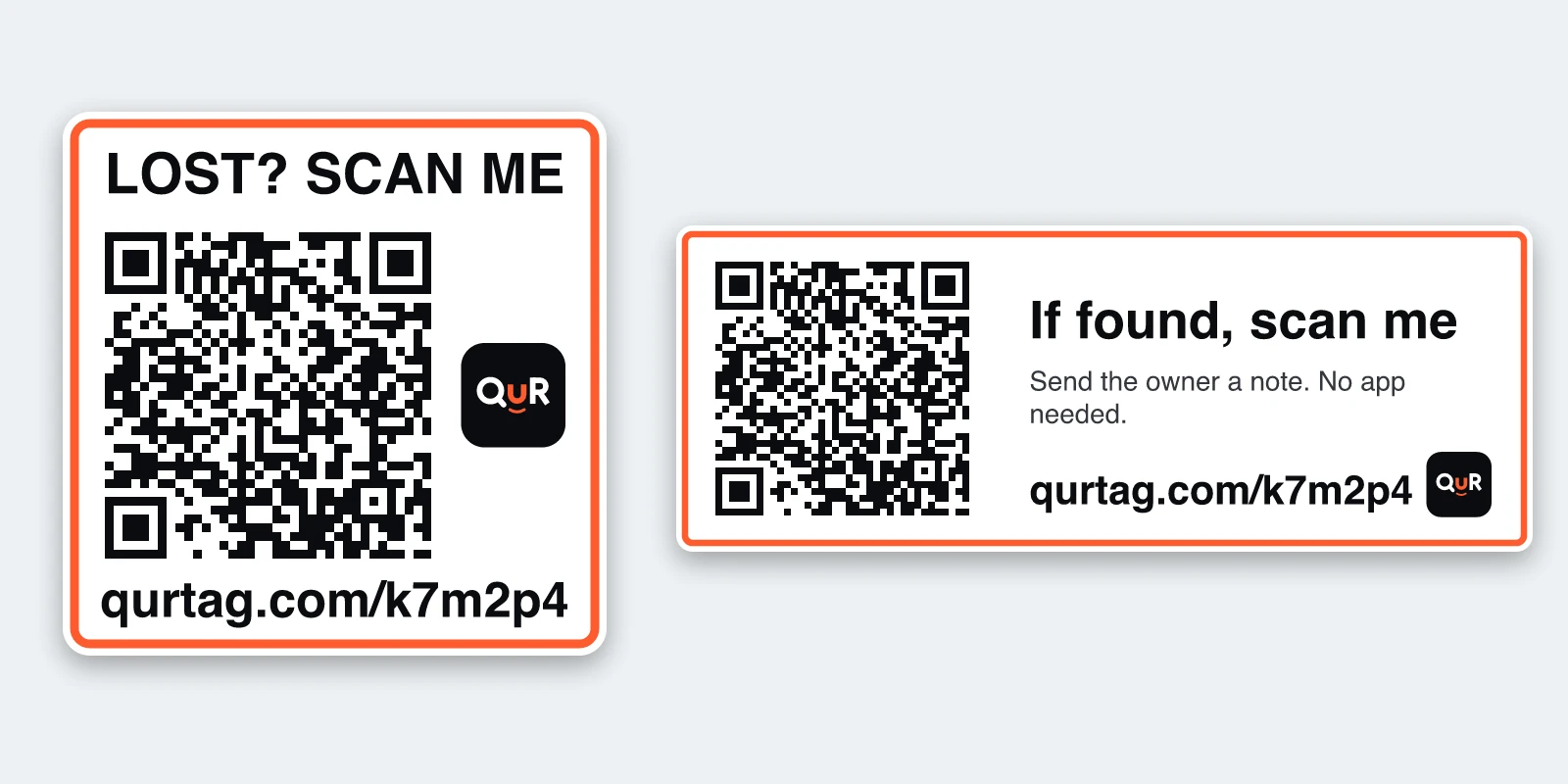
1Print it and stick it on
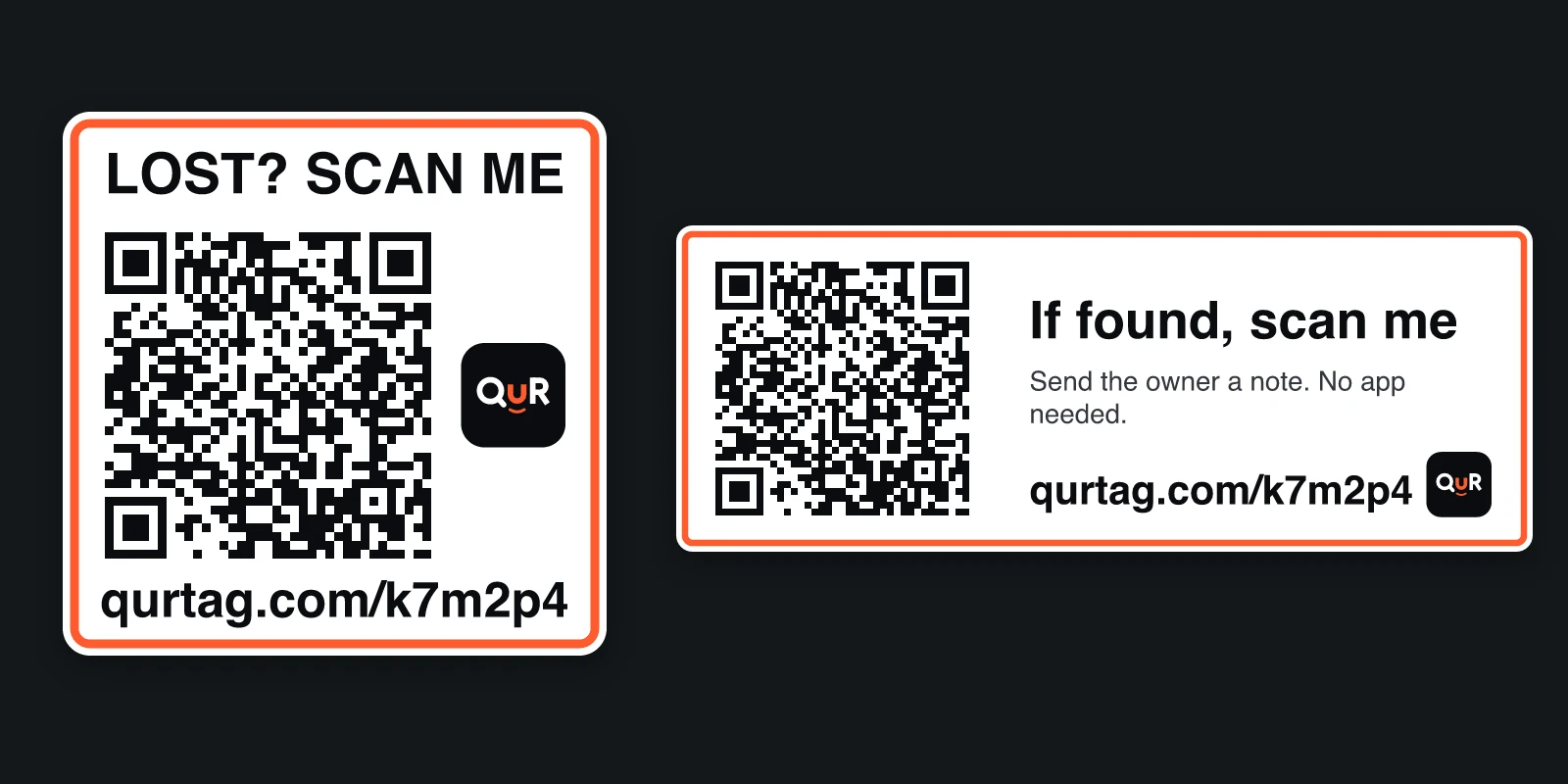
Print the tag at home. It comes as a small sticker or a label strip, and you stick it on the thing.
 2
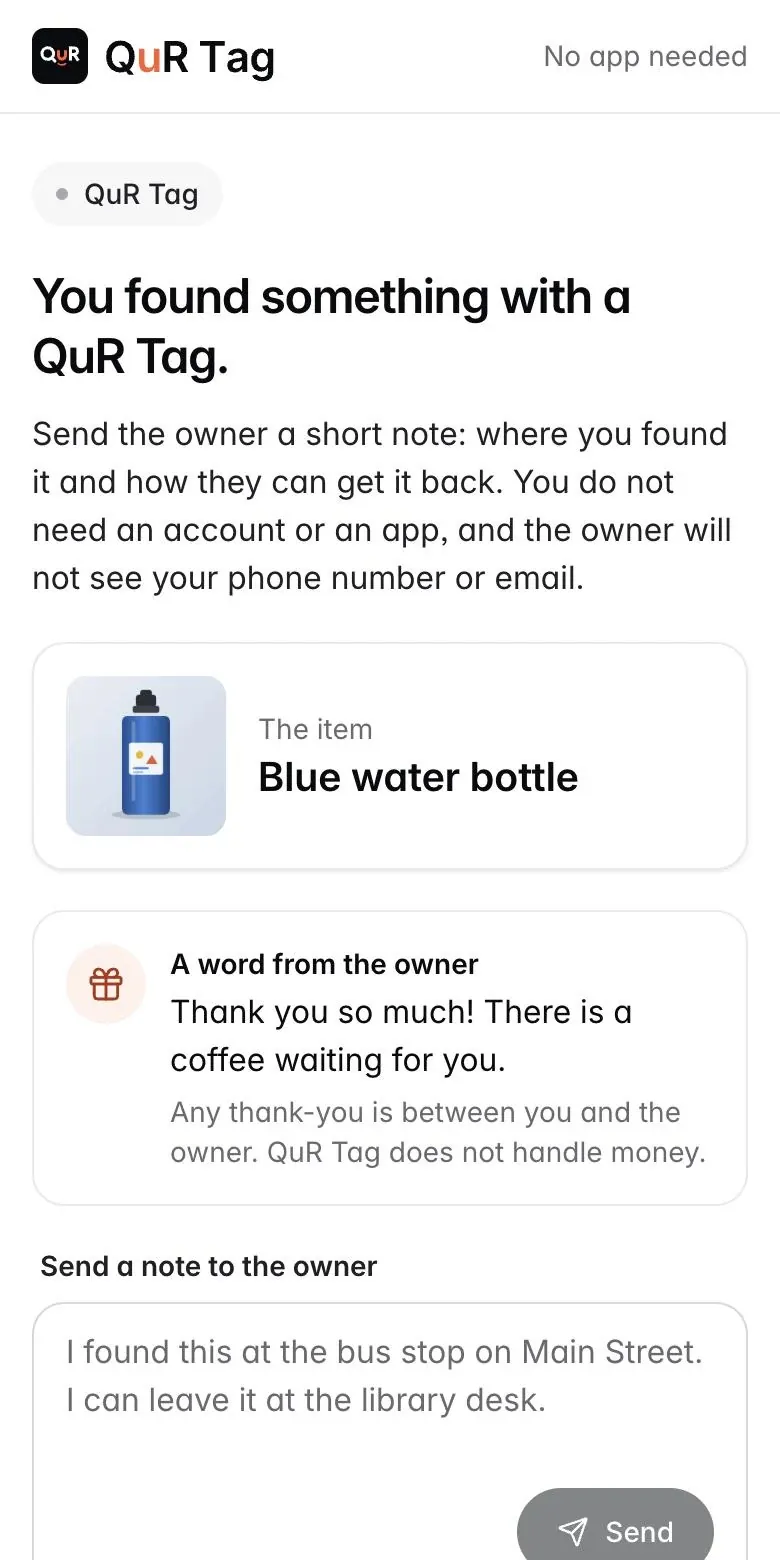
2A finder scans it
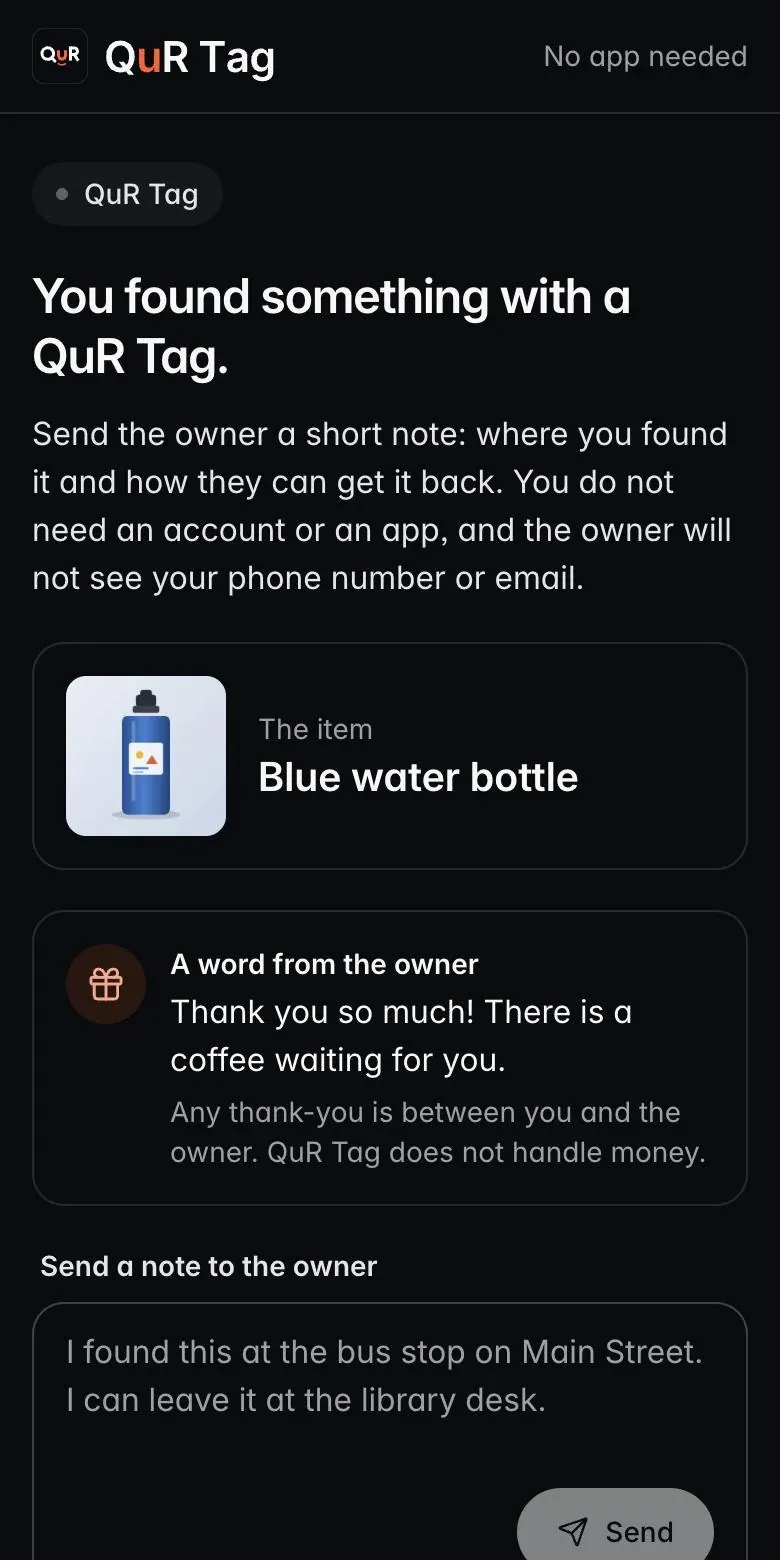
They point their phone camera at the code. A page opens with your item and your word to them. No app, no account.
 3
3You get a note and reply
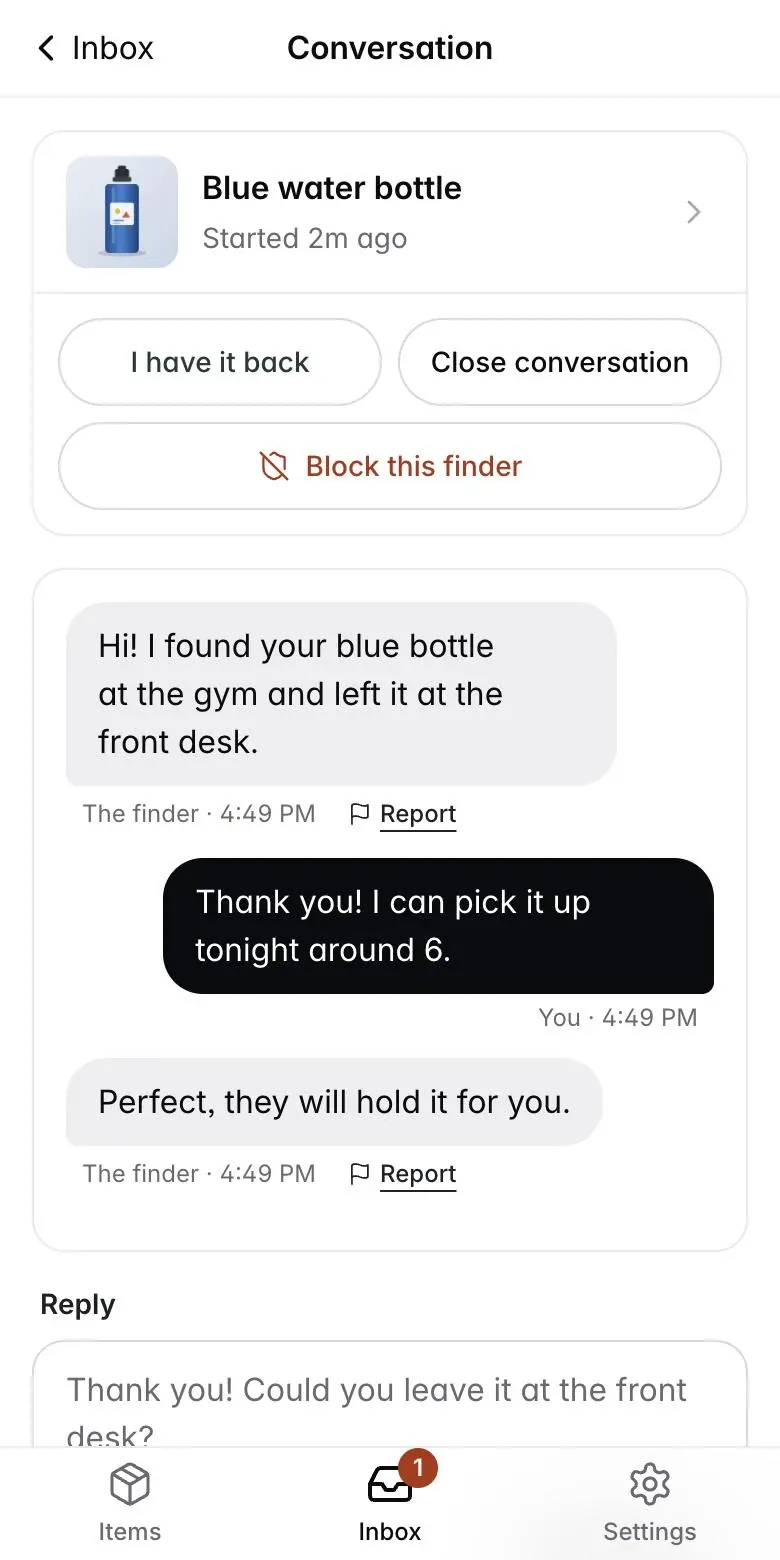
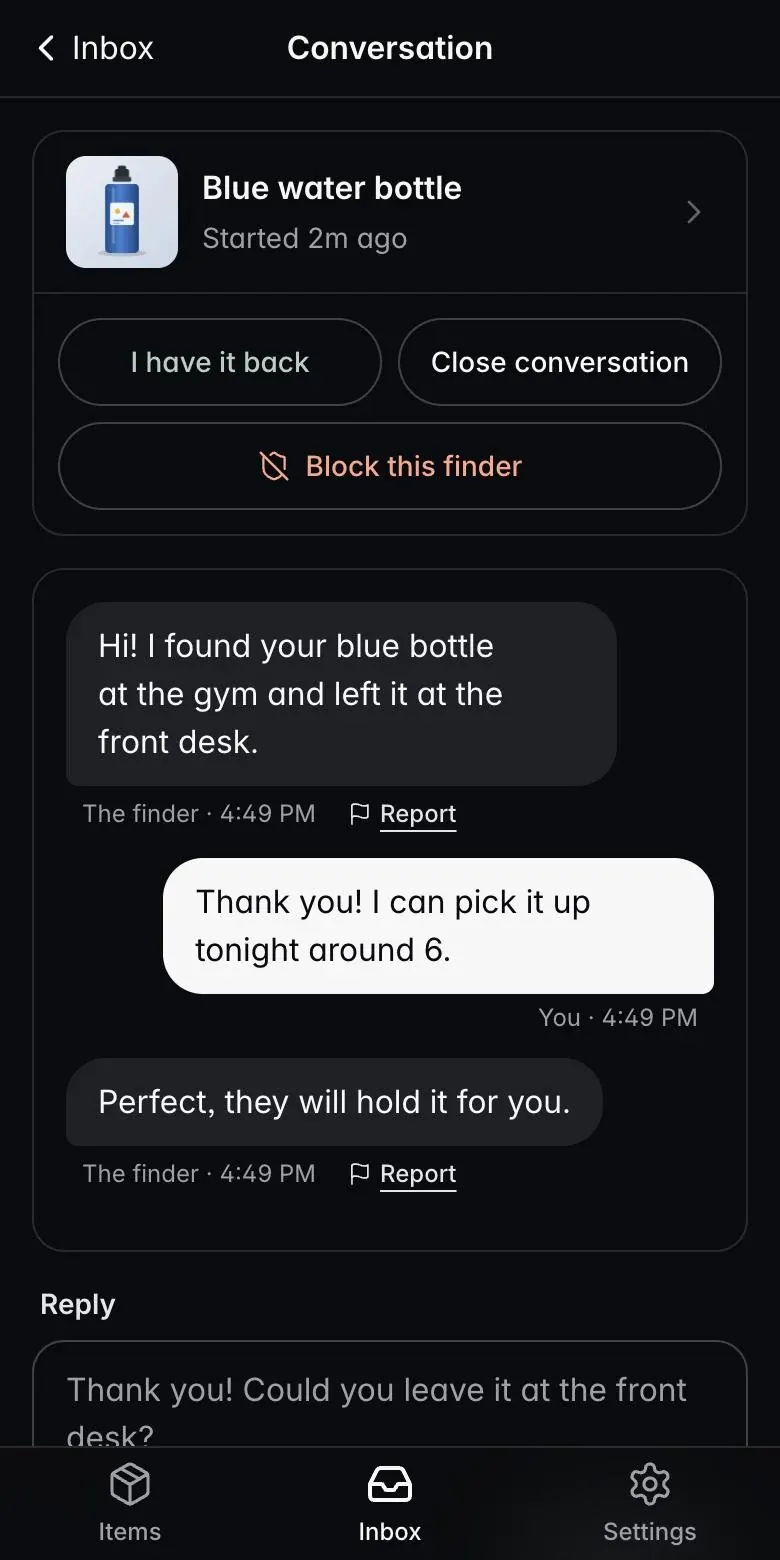
The note waits in your inbox, or arrives as an alert on your iPhone. Reply, and the finder reads it on the same page.
If you own the thing
- 1
Make an account
Sign up with your email and a password. It is free for up to three items.
- 2
Add an item
Give it a name, such as "Blue water bottle". You can add a photo and a short note, for example "Small thank-you if you return it". The note is only words you write. No money moves through QuR Tag.
- 3
Print the tag
Print the QR tag on plain paper or sticker paper. Stick it on, tie it on or tuck it inside. Print it again whenever you need to.
- 4
Get the note and reply
When a finder writes to you, the note waits in your QuR Tag inbox. Open it, read it and reply. The QuR Tag iPhone app, coming soon to the App Store, alerts you the moment a note arrives and lets you reply from the alert.
- 5
Mark it lost if it goes missing
Switch the item to "lost" and its tag page says the item is missing, so a finder knows you are looking.
If you found something
- 1
Scan the QR
Point your phone camera at the QR code. Tap the link that appears.
- 2
See the item
A web page shows the item name, a photo if the owner added one, and the owner's short note.
- 3
Write a note
Say where the item is and how to get it back to them. No app and no account.
- 4
Read the reply
Come back to the same page on the same phone to read the owner's reply. The page keeps your conversation in that browser.
Private on both sides
The finder sees the item's name, photo and your note. The owner sees the finder's message. Neither side sees the other's phone number, email or address unless they choose to write it in a message.
What it is not
QuR Tag is not a tracker. It cannot locate anything on its own. It works when someone kind finds your thing and scans the tag.